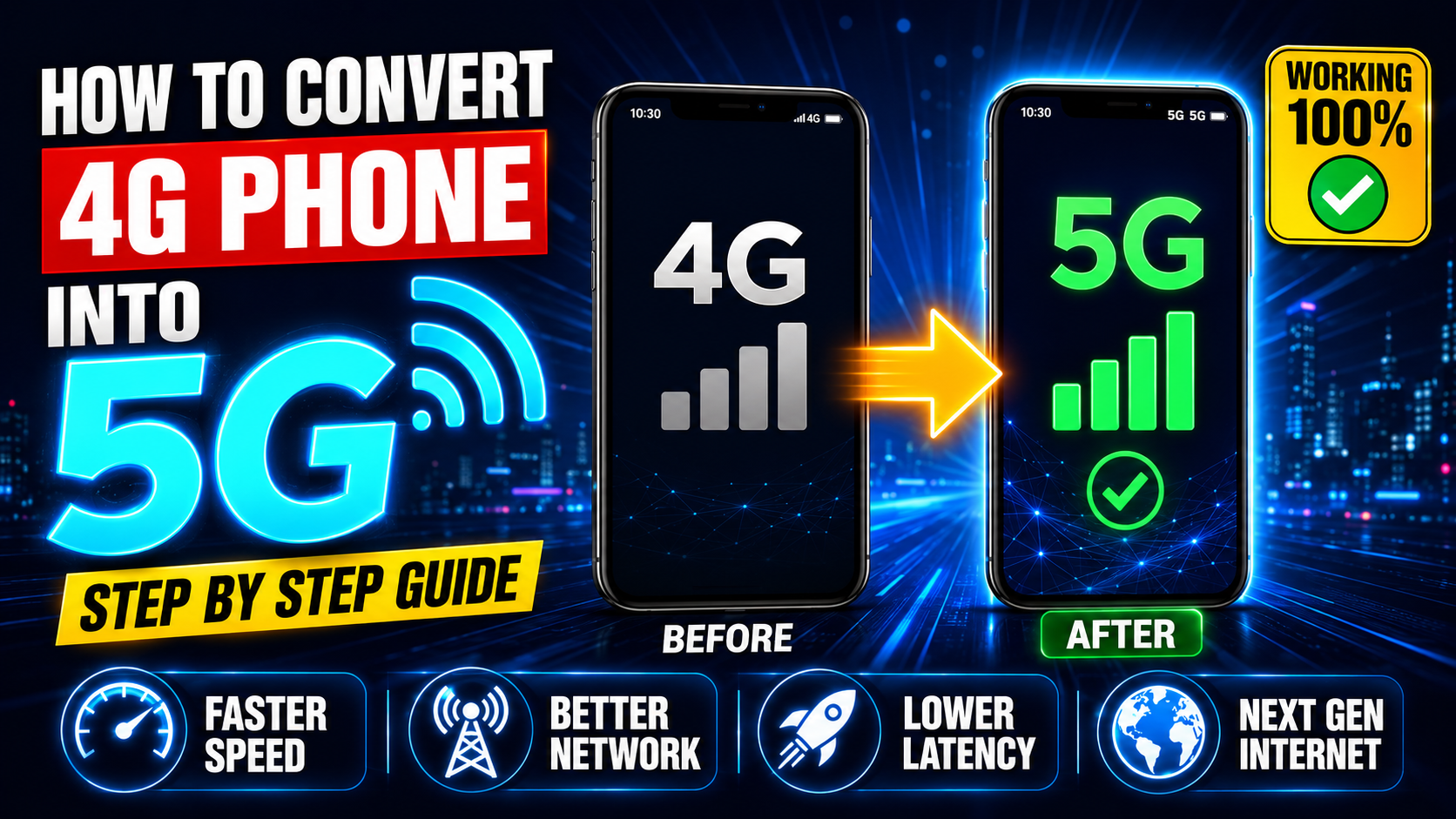
There is a particular kind of frustration that comes with watching your data indicator show LTE while a friend sitting right next to you has a 5G icon. The funny part is that both phones might have been bought around the same time, from the same store, for roughly the same price.
The difference is usually not the hardware. It is the settings. And once you know where to look, fixing it takes a few minutes at most.
Step One — Confirm Your Phone Has 5G
Before doing anything else, it is worth checking whether your phone actually has a 5G modem inside. This is a physical chip — no software trick can add it if it was never there.
Method 1 — Turn On 5G from Network Settings
The most overlooked fix. Manufacturers often ship phones with 5G set to Auto or completely off — to stretch battery life and reduce heat on devices sold in areas where 5G coverage was thin at launch. Here is how to flip it on yourself.
Samsung:
Xiaomi / Redmi / Poco:
iPhone:
Method 2 — Use the Hidden Dialer Code
Android carries a diagnostic menu that most users never see. It lets you manually control the modem’s network mode — including forcing 5G NR when it is available.
Method 3 — Fix Your APN Settings
The APN is essentially your phone’s gateway configuration for mobile data. An outdated or incorrectly set APN can quietly block 5G connectivity even when the hardware and network are both ready. Here are the correct settings for the major carriers.
Jio 5G APN:
- APN: jionet
- Protocol: IPv4/IPv6
- Bearer: NR, LTE
Airtel 5G APN:
- APN: airtelgprs.com
- Protocol: IPv4/IPv6
- Bearer: NR, LTE
Method 4 — Run a Software Update
Carriers push 5G activation patches through regular OTA updates. A phone sitting on a six-month-old firmware build is likely missing optimisations — and sometimes the 5G toggle itself only appears after a specific update.
Method 5 — Contact Your Carrier
On some accounts, 5G has to be switched on at the network level — not just the device. This is more common than people realise. Your SIM plan may be locked to a 4G tier, or your SIM card itself might be too old to handle 5G bands properly.
- Call your carrier and ask them to activate 5G on your number
- If your SIM is more than 4-5 years old, request a free replacement
- Check if your current plan includes 5G — some budget plans do not
Method 6 — Toggle Airplane Mode
Simple but genuinely effective. Turning Airplane mode on for five seconds and then off again forces your phone to drop its current tower connection and search for the best available signal from scratch. If a 5G tower is nearby, this often locks onto it when a regular reconnect would not.
What If My Phone Does Not Have 5G?
If the hardware is not there, no setting will change that. Most phones launched before 2021 fall into this category. The good news is that 5G-capable budget phones are now widely available — starting well under Rs. 15,000 in India and Pakistan — and the speed improvement in covered areas is real and noticeable.
A solid 4G connection still handles everything most people do daily — streaming, calls, browsing — without any issues. If speed is the primary concern and 5G coverage in your area is limited anyway, upgrading just for the icon is not always worth it.
Tips to Improve Speed on Any Network
- ✅ Toggle Airplane mode — forces tower reconnection
- ✅ Clear background apps — they quietly use bandwidth
- ✅ Keep software updated — modem improvements come through updates
- ✅ Move to open spaces — buildings block signal significantly
- ✅ Enable VoLTE — improves both call quality and data speed
- ✅ Restart your phone weekly — clears memory and refreshes network connection